How to Use Google: A Beginner’s Guide
Google is the world’s most popular search engine, processing billions of searches every day. But if you’re new to using the internet or just want to find information faster, learning a few basic techniques can make a huge difference.
This guide will walk you through the essentials of using Google effectively.
1. Getting Started
To begin, you need to access the Google search engine.
- Open your web browser (like Chrome, Safari, or Firefox).
- Type
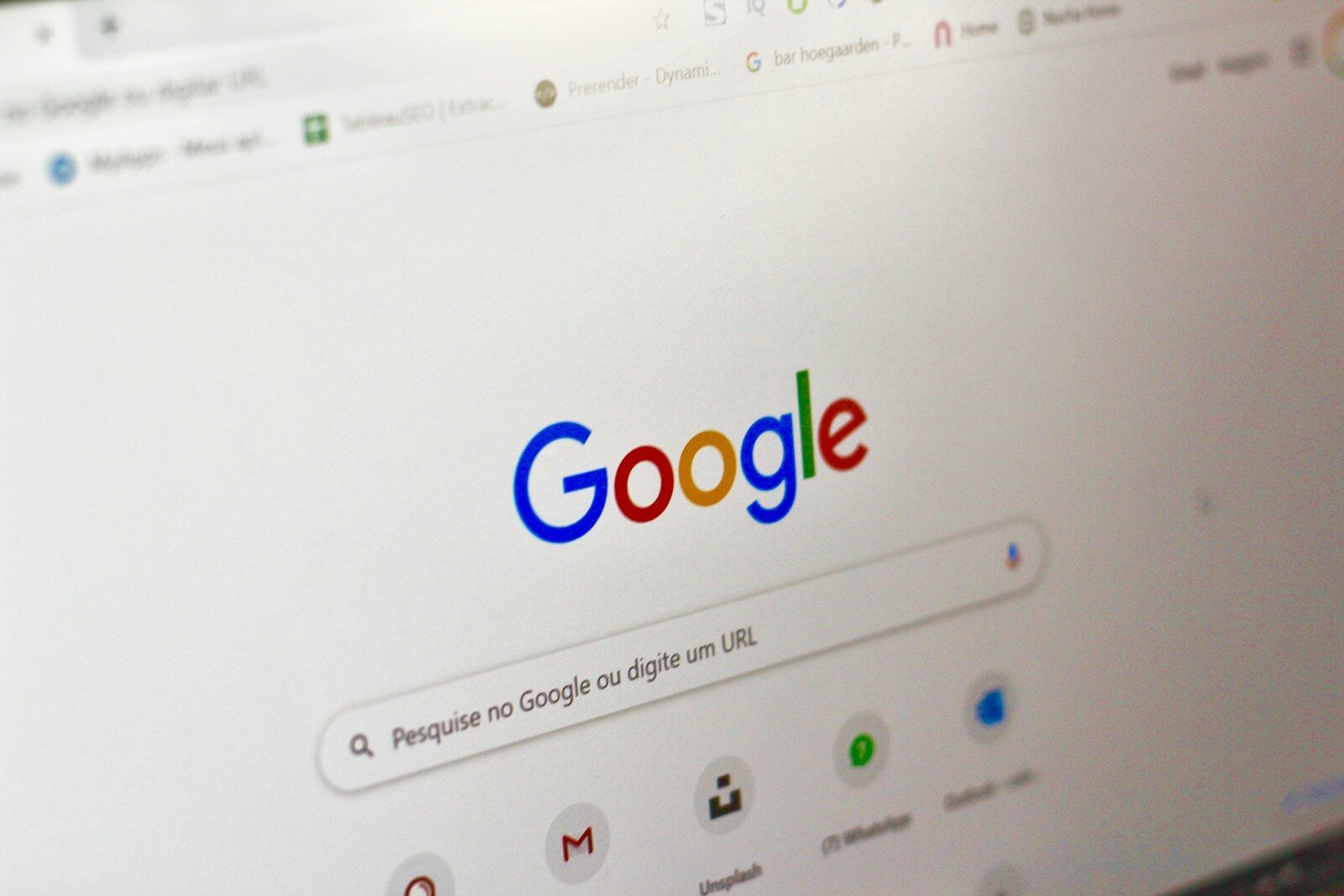
www.google.cominto the address bar and pressEnter. - You will see a simple page with a logo and a large white box in the center. That white box is called the search bar.
2. Performing a Basic Search
Using Google is as simple as typing what you want to know and pressing Enter. Here are a few tips:
- Use simple keywords: Instead of asking a full question, use the most important words.
- Instead of: “Where can I find a good pizza restaurant near me?”
- Try:
best pizza near me
- Don’t worry about spelling: Google is very good at understanding what you mean, even if you misspell a word.
- Use your voice: If you are on a mobile device, tap the microphone icon in the search bar to search by speaking.
3. Understanding the Results Page
After you search, you’ll see a page of results. Here’s how to read it:
- Sponsored Results: The first few results often have a small “Sponsored” label. These are paid advertisements that businesses pay to display.
- Organic Results: Below the sponsored results are the “organic” results. These are the websites that Google’s system determines to be most relevant to your search based on content quality and usefulness.
- Direct Answer Boxes: Sometimes, Google will show a box at the top with a quick answer to your question, such as a definition, weather forecast, or simple fact. This is designed to give you instant information without needing to click a link.
- “People also ask”: This box shows related questions that other users have searched for.
4. Basic Search Tricks
You can get better results by using a few simple tricks.
A. Use Quotes for an Exact Match
If you are searching for a specific phrase or song lyric, put it in quotation marks. This tells Google to look for that exact word order.
- Example:
"to be or not to be"
B. Exclude Words with a Minus Sign
If your search results keep showing something you don’t want, use a minus sign to remove it.
- Example:
jaguar -car(This will show results about the animal, not the car brand).
C. Search Within a Specific Site
If you want to find information only on one website, use site:.
- Example:
best recipes site:bbcgoodfood.com
5. Using Google Tools
Google isn’t just for websites. You can use the tabs at the top of the results page to filter information:
- Images: Find pictures related to your search.
- Videos: Find video content, mostly from YouTube.
- News: See the latest news articles on current events.
- Maps: Find locations, directions, and local businesses.
6. Calculator, Time, and Conversions
You can use the Google search bar as a tool. Just type what you want to calculate or convert directly into the search bar.
- Math:
15 * 22orsquare root of 144 - Currency:
100 USD to EUR - Time:
time in London - Weather:
weather Paris
7. Safety and Privacy Tips
When using Google, it’s important to stay safe:
- Check the URL: Before clicking a result, look at the website address. Stick to well-known websites or reputable sources for important information.
- Be Selective with Links: When searching for free software or downloads, take a moment to evaluate the website’s trustworthiness before clicking.
- Use Private Browsing: If you don’t want your searches saved to your account (for example, if you are shopping for a gift), use “Incognito Mode” (Chrome) or “Private Window” (Safari).
Conclusion
Learning to use Google effectively is a valuable skill. By starting with simple keywords, using a few basic tricks like quotes and the minus sign, and understanding the results page, you can find the information you need quickly and safely.
Now, try searching for something you’ve always wanted to know.
About The Author