
📘 Introduction
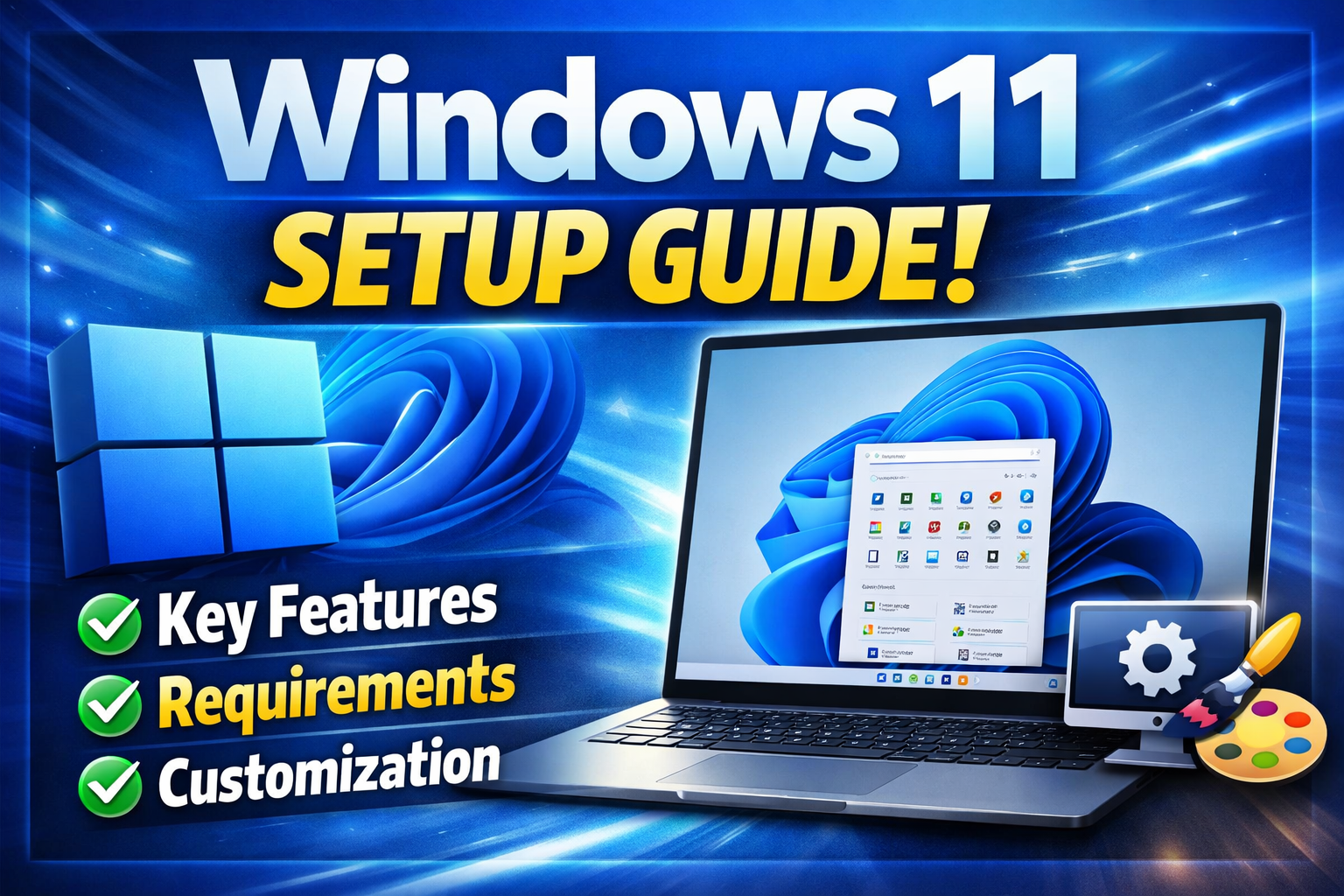
Welcome to your essential Windows 11 setup guide. Whether you’re upgrading from Windows 10 or setting up a new device, this overview will walk you through everything you need. By following this Windows 11 setup guide, you’ll master the OS quickly and avoid common pitfalls.
🧩 Key Features of Windows 11
- 🎨 Redesigned Interface – Centered Start menu, rounded corners, and new icons.
- 📌 Snap Layouts & Snap Groups – Multitask efficiently with pre-defined window arrangements.
- 🔒 Enhanced Security – Requires TPM 2.0 and Secure Boot for hardware-level protection.
- 🤖 Microsoft Teams Integration – Chat and call directly from the taskbar.
- 📱 Android Apps Support – Via Amazon Appstore (limited regions).
- 🌙 Dark Mode & Themes – System-wide customization.
⚙️ System Requirements (Minimum)
| Component | Requirement |
|---|---|
| Processor | 1 GHz or faster, 2+ cores on 64-bit CPU |
| RAM | 4 GB |
| Storage | 64 GB or larger |
| Firmware | UEFI, Secure Boot capable |
| TPM | TPM version 2.0 |
| Graphics Card | DirectX 12 compatible / WDDM 2.x driver |
| Display | 720p, >9” diagonal, 8-bit color channel |
| Internet | Microsoft account and Wi-Fi/Ethernet for setup |
💡 Use Microsoft’s “PC Health Check” tool to verify compatibility before installing.
📥 Installation Methods – Choose Your Path
| Method | Best for |
|---|---|
| 🆓 Windows Update | Current Windows 10 users (free upgrade) |
| 💿 Installation Assistant | Manual upgrade on compatible PCs |
| 🖱️ Media Creation Tool | Create USB/DVD for clean install on any PC |
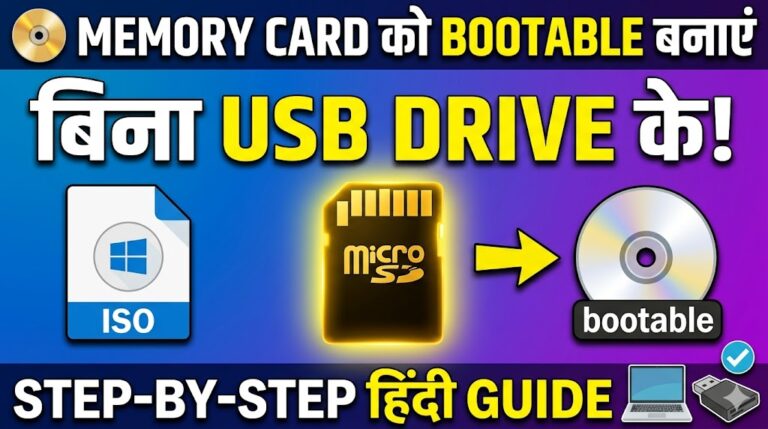
| 🔁 ISO Download | Advanced users or offline installations |
📌 Quick Install Steps:
- Back up your files.
- Run Windows Update or the Media Creation Tool.
- Follow on-screen prompts (keep power connected).
- Set up with a Microsoft account (optional local account with workarounds).
🎨 Customization Tips for a Personal Touch
Make Windows 11 truly yours with these tweaks:
- 🖌️ Themes & Wallpapers – Right-click desktop → Personalize → Background.
- 📌 Pin apps to Start & Taskbar – Right-click any app → Pin to Start / Taskbar.
- 🗂️ Folders in Start menu – Drag & drop app icons onto each other.
- 🔊 Sound Schemes – Settings → System → Sound → More sound options.
- 🎯 Disable widgets & Chat – Taskbar settings → Turn off Widgets / Chat icons.
- 📂 File Explorer quick access – View → Show → “Show recently used files” toggle.
🛠️ Power users: Use “Win + R” →
gpedit.msc(Group Policy Editor) for advanced controls.
✅ Final Checklist After Your Windows 11 Setup
- Check for driver updates (Settings → Windows Update → Optional updates).
- Sign in with Microsoft account for cross-device sync.
- Enable BitLocker (Pro/Enterprise) for disk encryption.
- Adjust privacy settings (Settings → Privacy & security).
- Install essential apps (Store or WinGet CLI).
🔁 Keep This Windows 11 Setup Guide Handy
Bookmark this Windows 11 setup guide for future reference, and share it with anyone setting up a new PC. Following this Windows 11 setup guide ensures you get the best performance, security, and user experience from day one.
About The Author